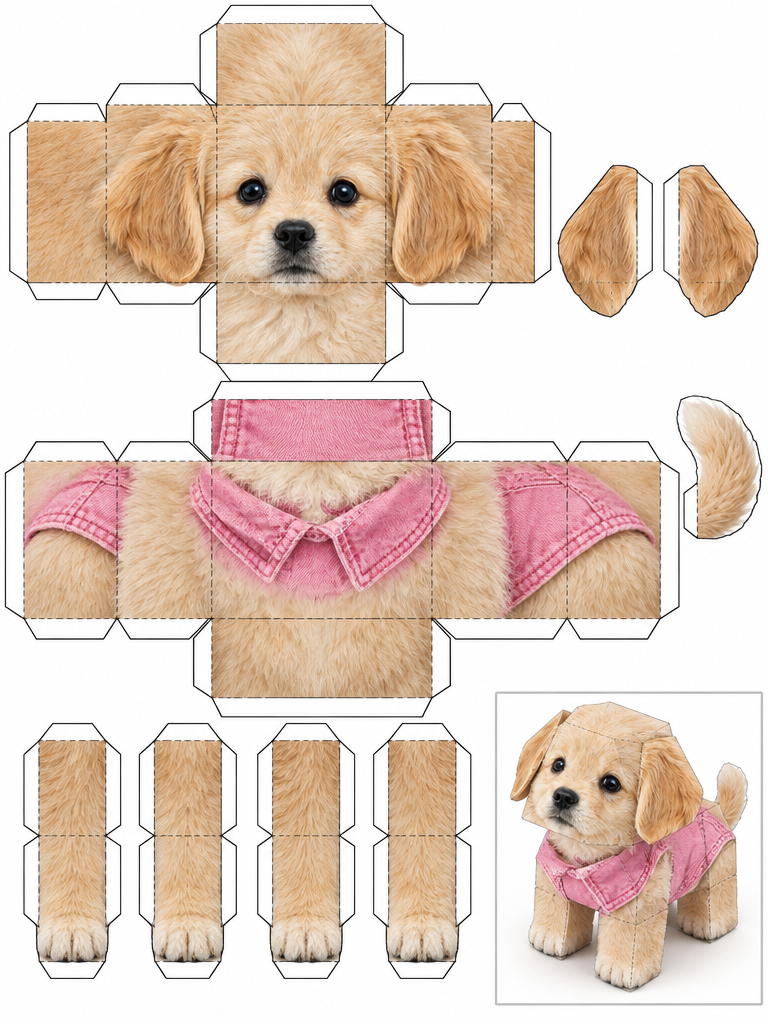
Papercraft Blueprint
Photo template · A tiny papercraft-kit look.
Oba AI / Pet Photo Generator
Start with a photo of your dog or cat and choose a visual style. A pet photo template provides the composition and look; you provide the subject. This is for making a new stylized image, not for retouching an existing photo pixel by pixel.
Make an AI pet portrait on iPhoneGeneration takes place in the iPhone app and uses paid credits or a matching single-use purchase. There is no free generation trial. Results can vary.
Photo template · A tiny papercraft-kit look.
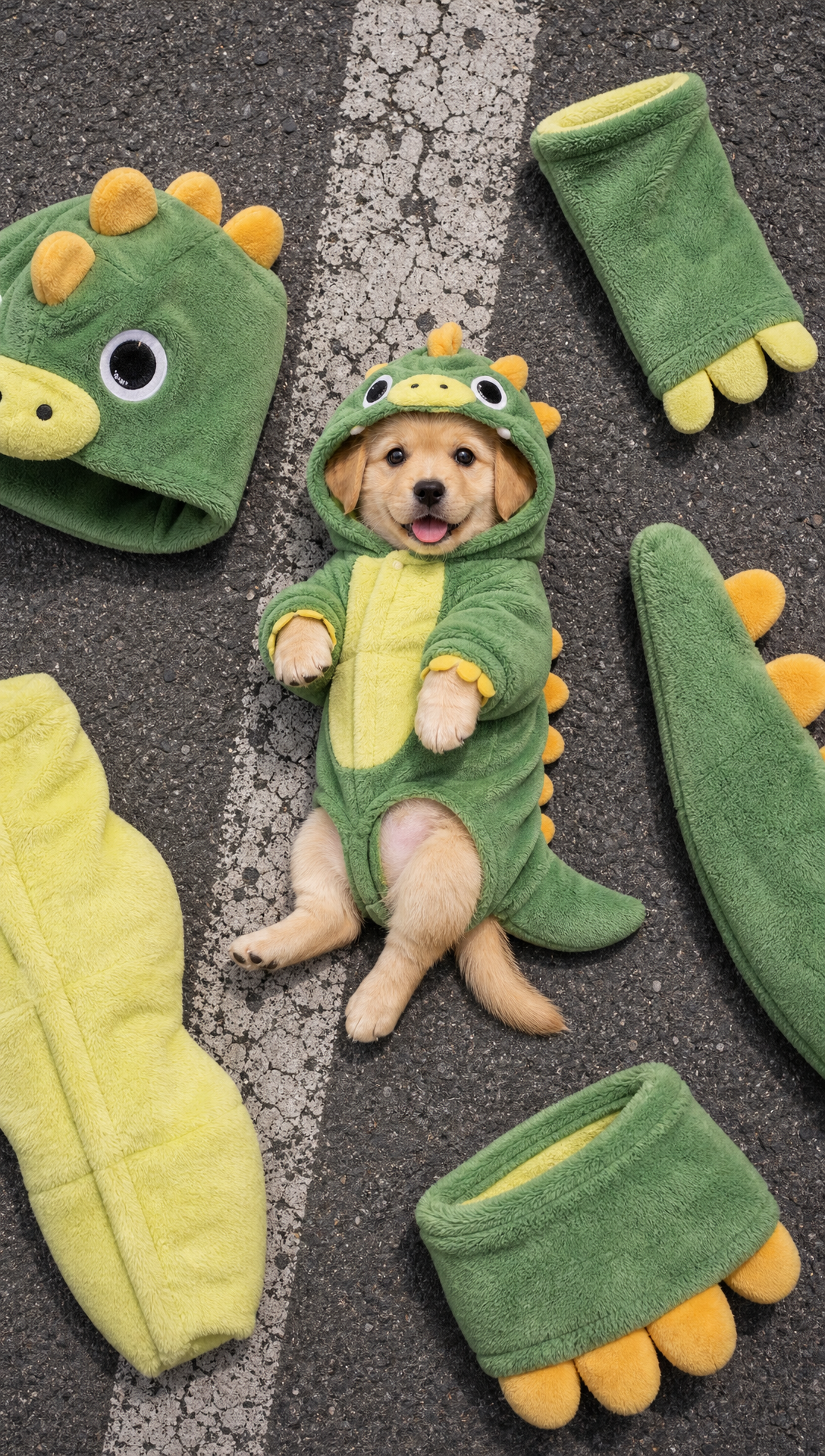
Photo template · An overhead street portrait.
Pick a look. Papercraft Blueprint gives the picture a tiny papercraft-kit look. Street Editorial takes the composition in a different direction, with an overhead portrait and a street-style scene. Compare the sample compositions, then choose the one that fits the photo you want to use.
What to upload. A clear original with natural light and a visible face is a good place to start. Use a photo you have permission to use. After generation, review the image and save the result you like to your device.