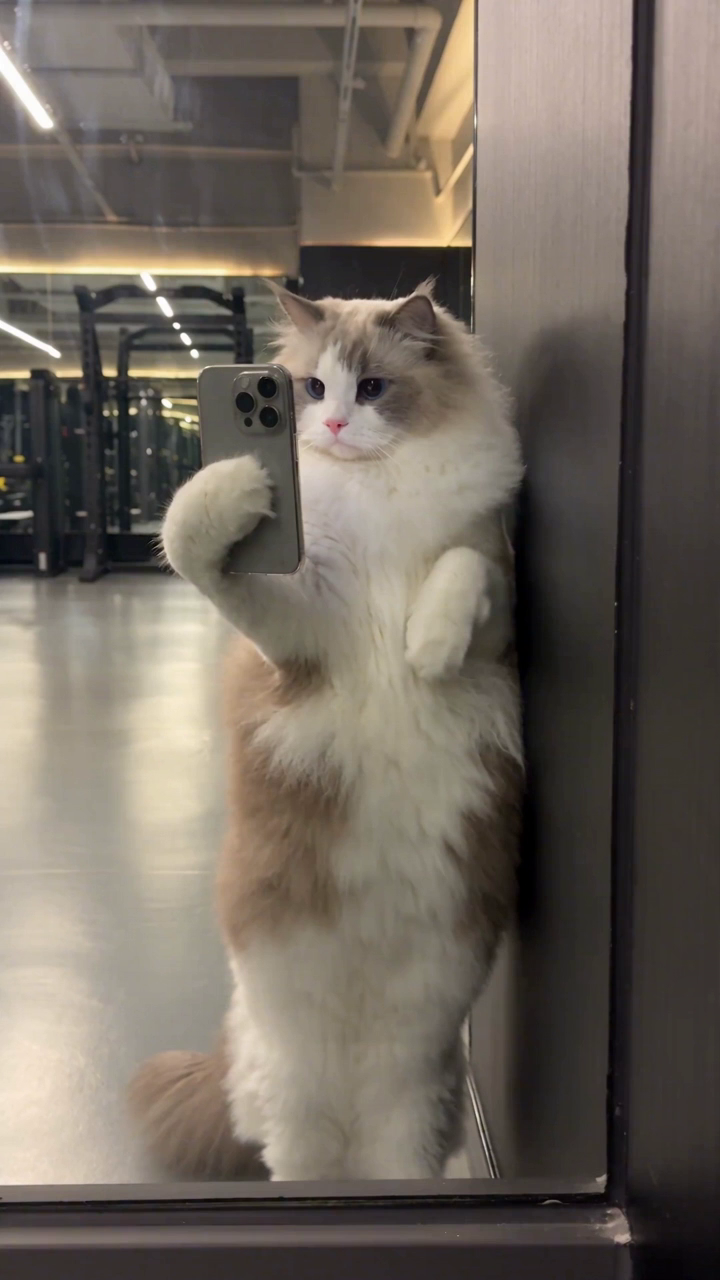
Gym Selfie
Video template · A cat in a playful mirror selfie.
Oba AI / Pet Video Generator
Start with a still photo and choose what should happen in the scene. A video template adds movement and a setting. Your dog or cat is the subject, whether you want something silly or a tiny story to share.
Animate your pet on iPhoneGeneration takes place in the iPhone app and uses paid credits or a matching single-use purchase. There is no free generation trial. Results can vary.
Video template · A cat in a playful mirror selfie.
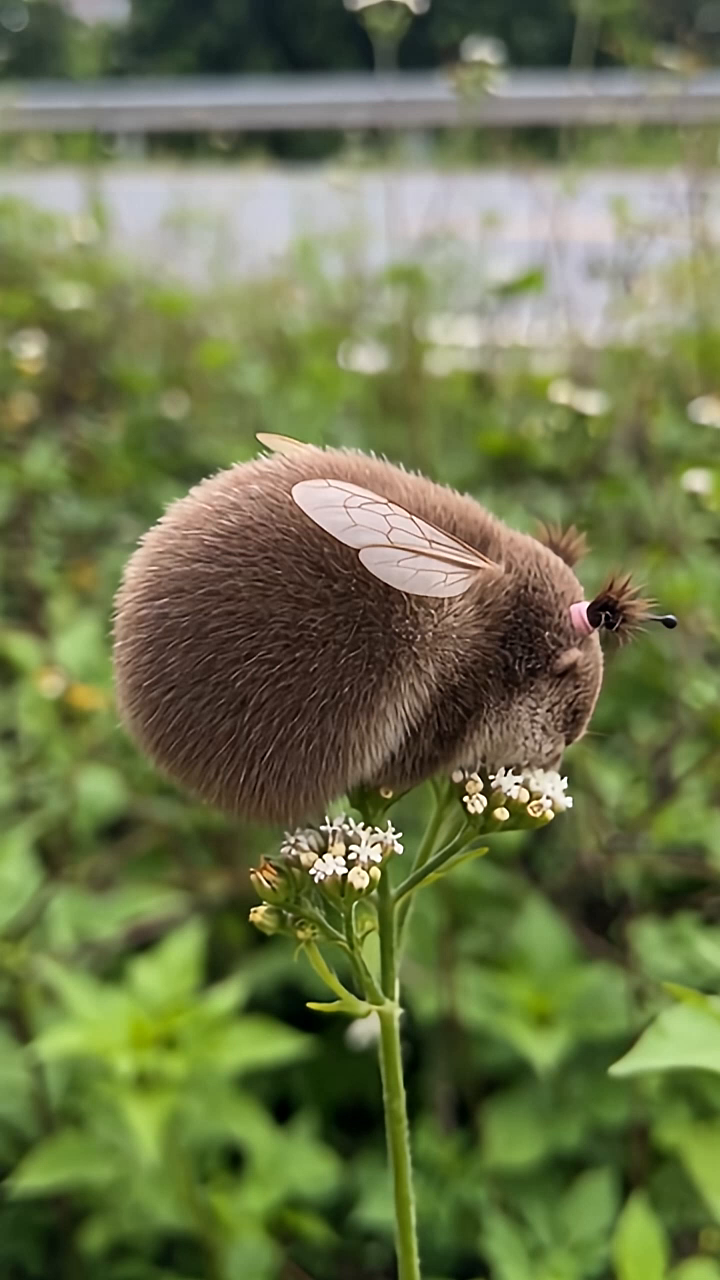
Video template · Your pet becomes a tiny bee by a wildflower.
Two different starting points. Gym Selfie plays on a familiar mirror pose. Bee Spirit puts the pet into a miniature scene beside a wildflower. Choose a template based on the kind of action you want, and use a photo with the relevant parts of your pet in view.
From photo to clip. Open Oba AI on iPhone, preview a video template, select the photo the template asks for, and review the creation details. When the clip is ready, save it before sharing. This page is a template guide; the generation runs in the app.